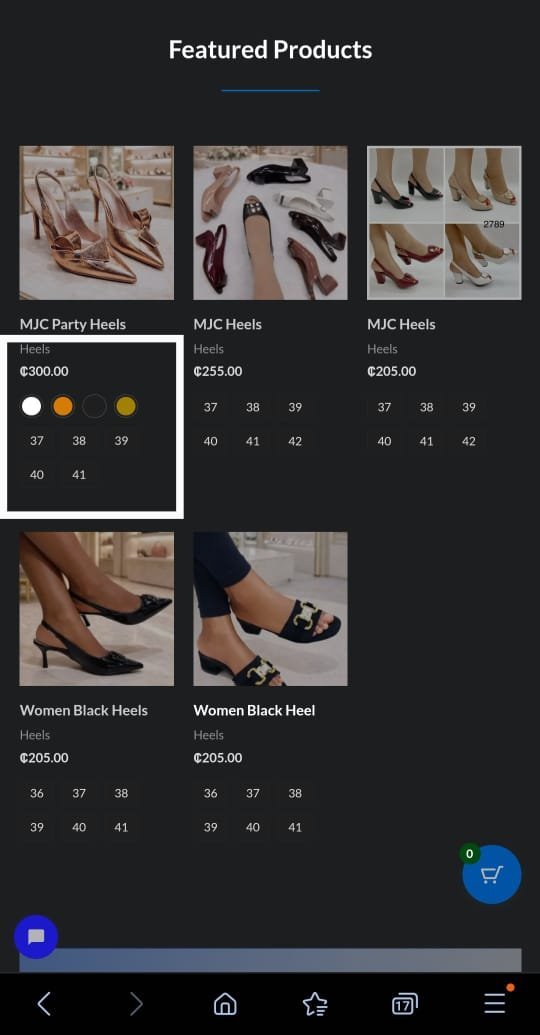
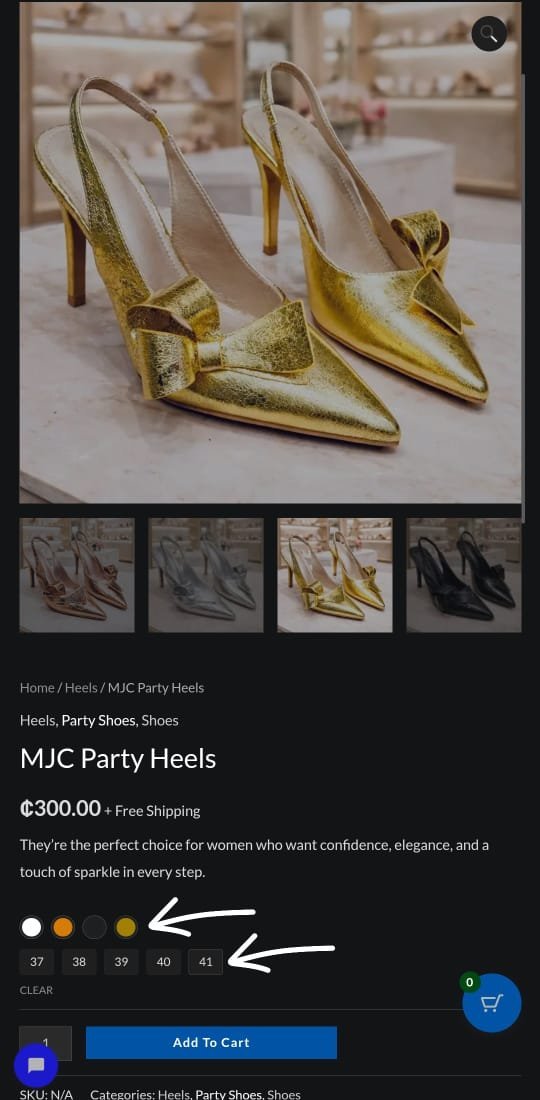
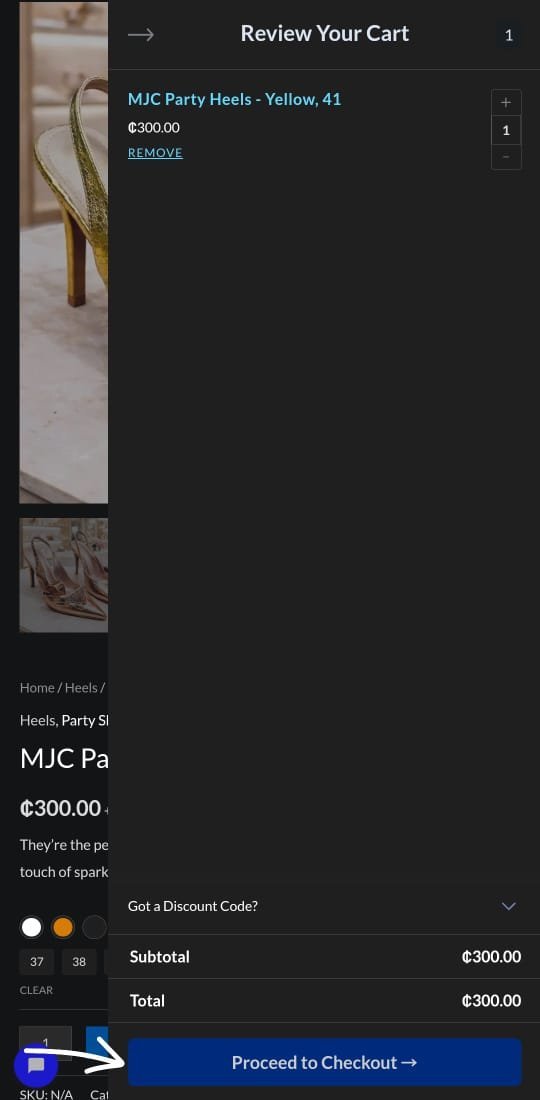
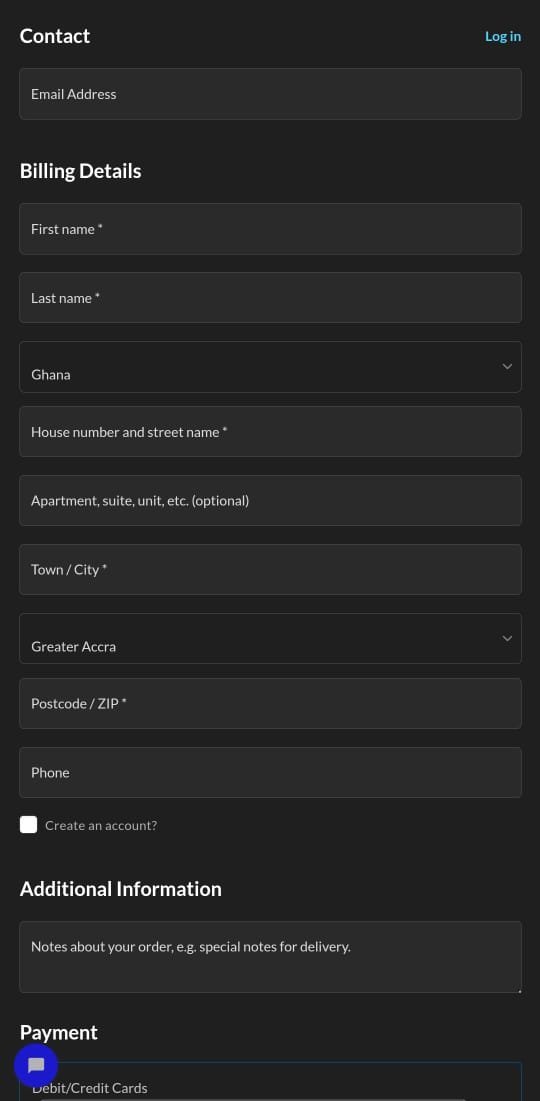
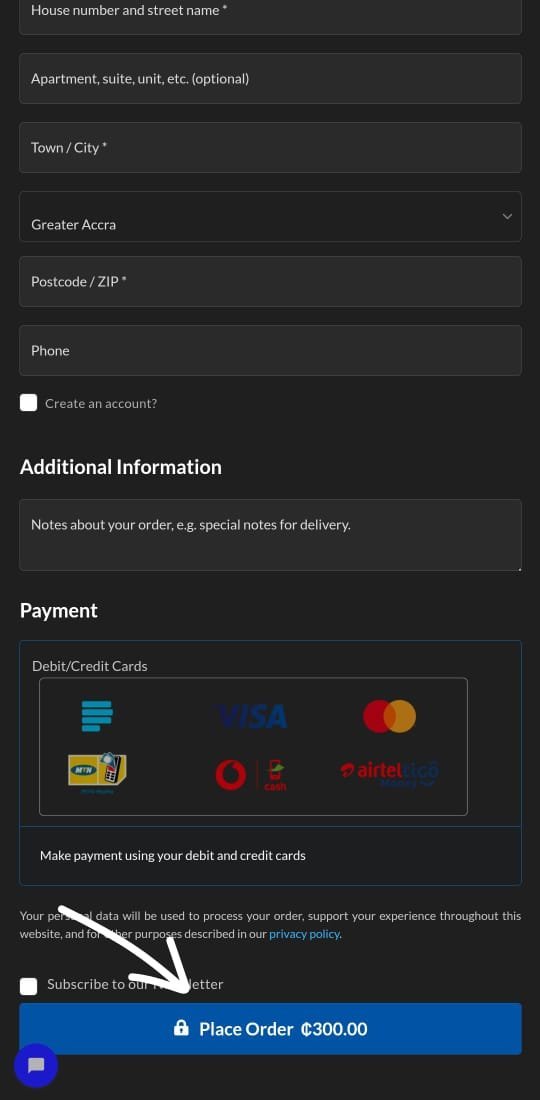
User Guide To Purchase A Product Step 1 Select any product of your choice Select a product variation or simple product. Product variuations comes in different colours or sizes whiles the simple product does’nt have a varieted option Go to Shop Step 2 Select the colour and size of the product Note that :If the colour of the product. is selected without the size, you won’t be able to add it to the cart option. View Variated Product Step 3 Checkout The Selected Product Note that : All selected product, varieted or simple product will all be added to a checkout page to be able to make payment View Variated Product Step 4 Enter Shipping A Shipping Address Details Note that : All selected product, varieted or simple product will all be added to a checkout page and to be able to make payment, you must enter your address, this will log-in to the customer dashboard. View account Step 5 Payment Option Select A Payment option to allow you to purchase your product, a customer representative will call you after you’ve made your payment. View account Location Accra- Kaneshie Contact Us 0244125289myjoecollections@gmail.com Monday — Friday: 06:00- 18:00 Follow Us Facebook-f Tiktok Instagram Whatsapp